
Configure LED color!
Light Manager Pro play.google.com.lightmanagerpro
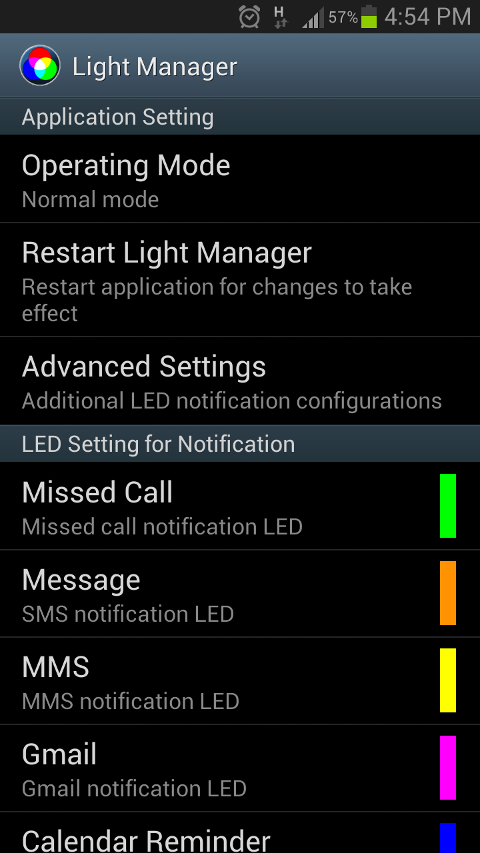
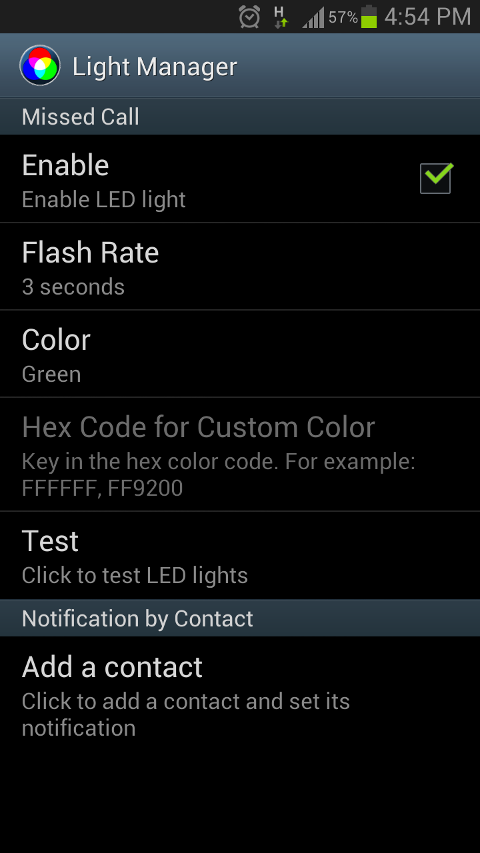
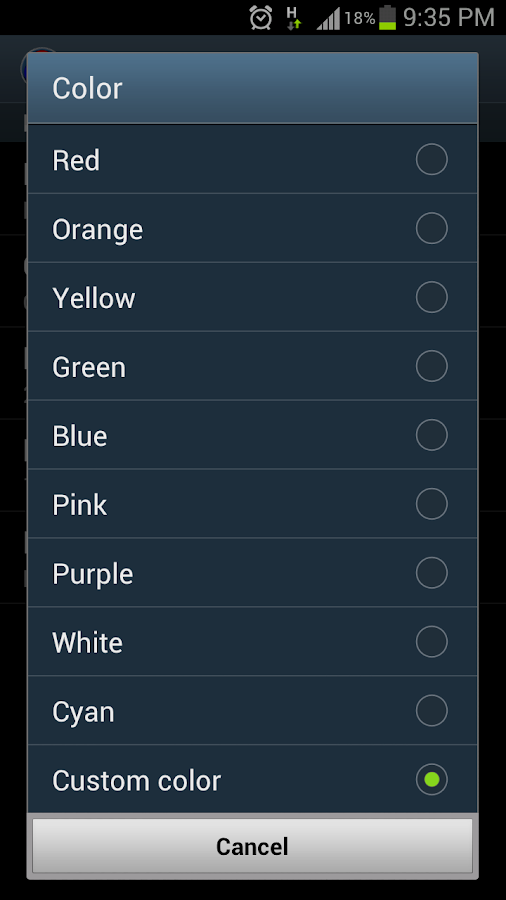
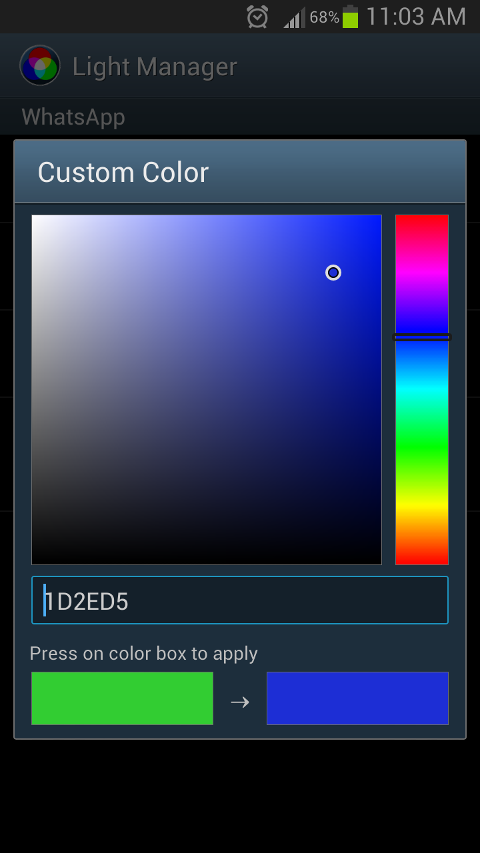
Configure LED color and its flashing frequency for notification as shown below:
- Miss call
- SMS
- MMS
- Gmail
- Calendar reminder
- Hangouts
- Facebook Messenger
- BBM
- LINE
- GO SMS Pro
- Handcent SMS
- chomp SMS
- Any 3rd party apps
- Low battery
- Battery charging
- Battery charged
- No signal
- No 3G/4G
- No Wifi
- Silent Mode On
- Vibration Mode On
- Ringer Mode On
- Mobile Data On
- Wifi On
- Wifi Hotspot On
- Bluetooth On
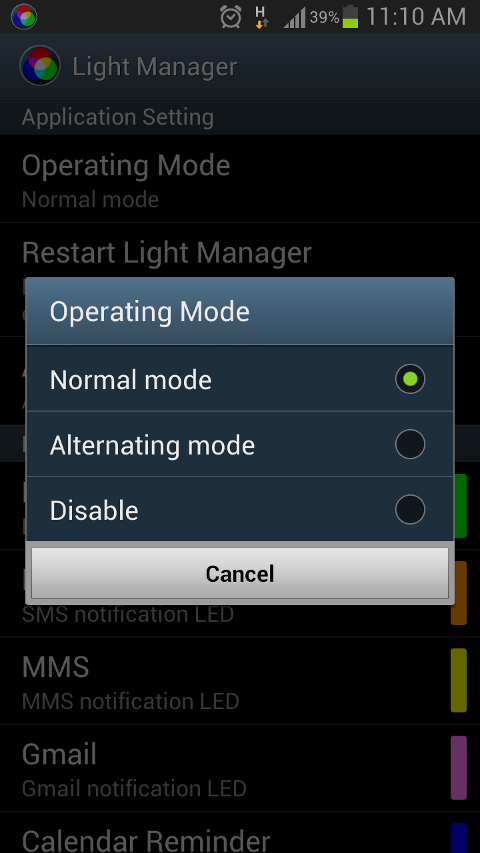
There are two operating modes:
- Normal Mode - Only LED color for the first notification will be flashing
- Alternating Mode - A few LED colors will be flashing alternately when multiple notifications are received
For Samsung Galaxy SIII (JB):
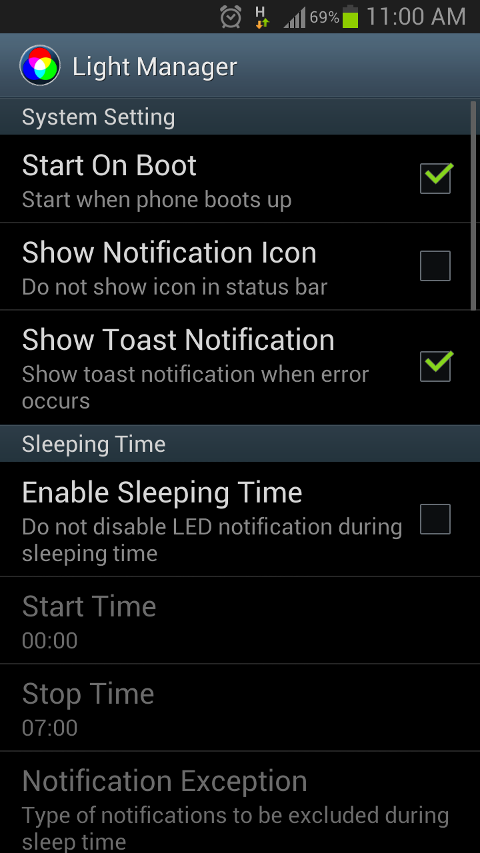
- Device's screen needs to be turned off in order for the notification LED to work
- You need to go to Setting > Display > LED indicator and enable "Notifications" in order for this application to work
- Fixed when LM is disabled, click disable again will create error message
- Fixed after read a SMS, LED light still flashing in Samsung Devices
- Added dedicated Textra SMS notification LED
- Added disable group LED for whatsapp on Android 4.2 and lower
- Added notification by keyword for whatsapp on Android 4.2 and lower
- Added some missing translation for Croatian, French
- Fixed calendar notification LED not working on first notification after reboot on Android 4.4.x
Required Android O/S : 2.1+
Screenshots :


請先 登入 以發表留言。